
Camel Case

- Historically, programmers have used different ways of joining multiple words into one variable name
- Hyphens
- first-name
- last-name
- master-name
- inter-city
- Underscore
- first_name
- last_name
- master_card
- inter_city
- Upper Camel Case
- FirstName
- LastName
- MasterCard
- InterCity
- Lower Camel Case
- firstName
- lastName
- masterCard
- interCity
JavaScript Comments
- Single Line Comments
- Single line comments start with //.
- Any text between // and the end of the line will be ignored by JavaScript (will not be executed).
- Multi-line Comments
- Multi-line comments start with /* and end with */.
- Any text between /* and */ will be ignored by JavaScript.
JavaScript Variables
- JavaScript variables are containers for storing data values.
- example
- x stores the value 5 (x = 5)
- y stores the value 6 (y = 6)
JavaScript Operators
- The assignment operator (=) assigns a value to a variable
- The addition operator (+) adds numbers
- The multiplication operator (*) multiplies numbers
- addition assignment operator (+=) adds a value to a variable
- x=3
- x+=3
- Output is 6
| Operator | Description |
|---|---|
| + | Addition |
| - | Subtraction |
| * | Multiplication |
| ** | Exponentiation |
| / | Division |
| % | Modulus |
| ++ | Increment |
| -- | Decrement |
| Operator | Example | Sample Function |
|---|---|---|
| = | x=y | x=y |
| += | x +=y | x=x+y |
| -= | x-=y | x=x-y |
| *= | x*=y | x=x*y |
| /= | x/=y | x=x/y |
| %= | x%=y | x=x%y |
| Operator | Description |
|---|---|
| == | equal to |
| === | equal value and equal type |
| != | not equal |
| !== | not equal value or not equal type |
| > | greater than |
| < | less than |
| >= | greater than or equal to |
| <= | less than or equal to |
| ? | ternary operator |
JavaScript Functions
- function is a block of code
- Designed to perform a particular task
Function Syntax
- function is defined with the function keyword
- Followed by a name
- Last followd by parameter between ()
function name(parameter1, parameter2, parameter3) {
// what function you want type here
}
// what function you want type here
}
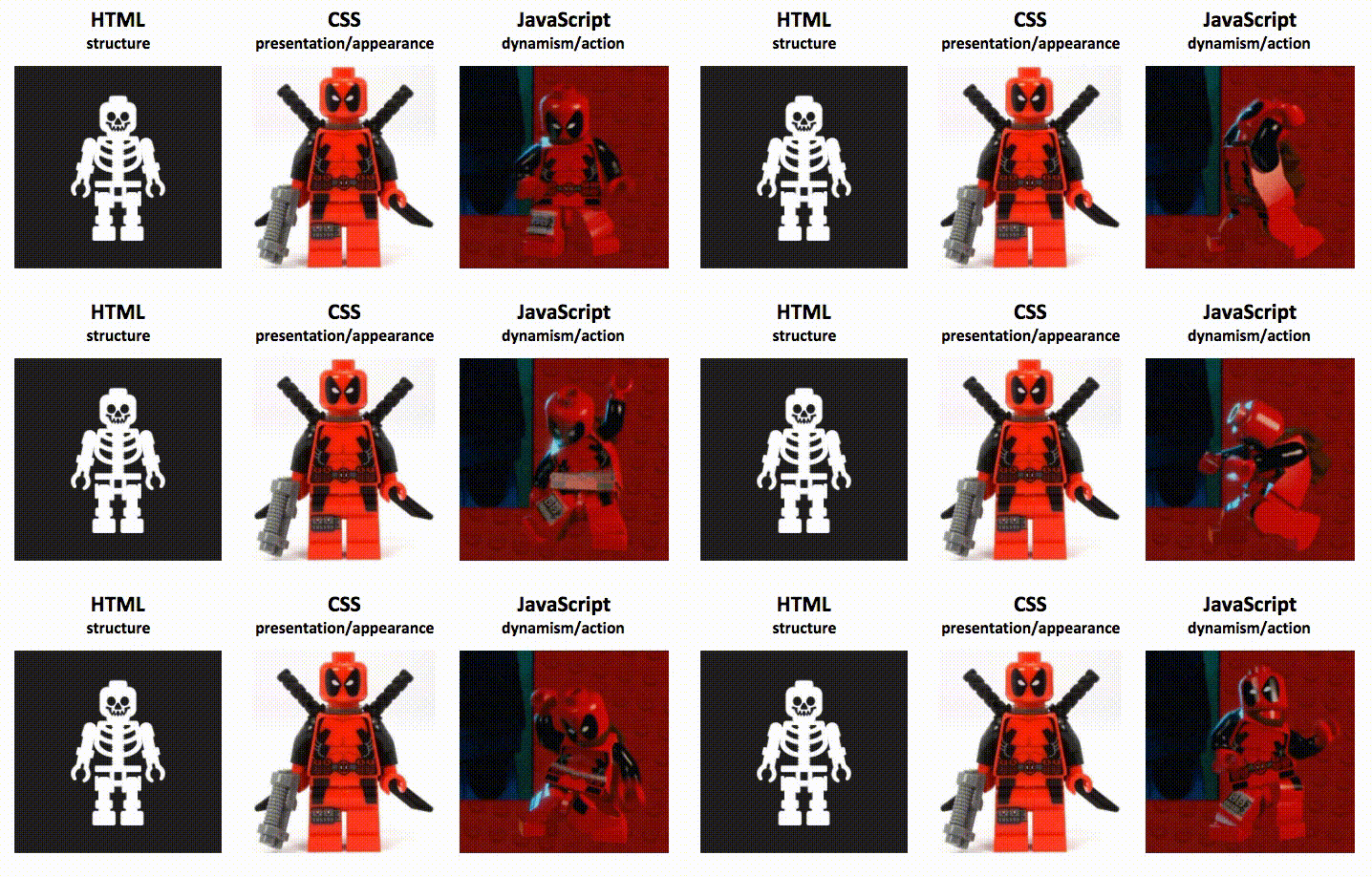
Referance : Image From:https://moz.com/blog/javascript-seo
More Informations : W3school.com


No comments:
Post a Comment